Help is always one click away
Learn Saphion at your own pace. The docs show how to do anything in the app, and Help takes you there, to Support, and to what's new.
Learn how to do anything
Step-by-step guides for Projects, Actions, boards, dashboards, Files and Beacon.
Never stuck
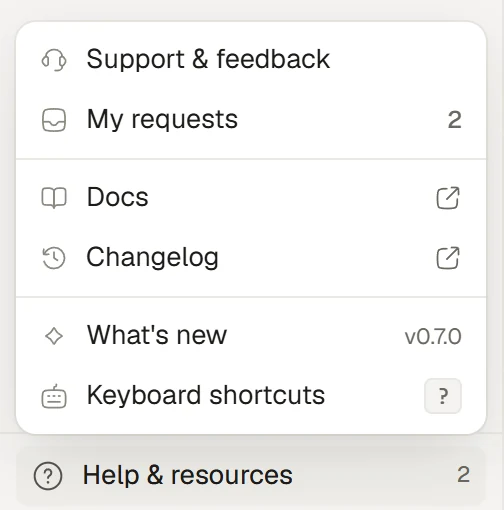
Help & resources opens Support and your requests, wherever you are in Saphion.
See what changed
What's new and the changelog explain each update and how to use it.
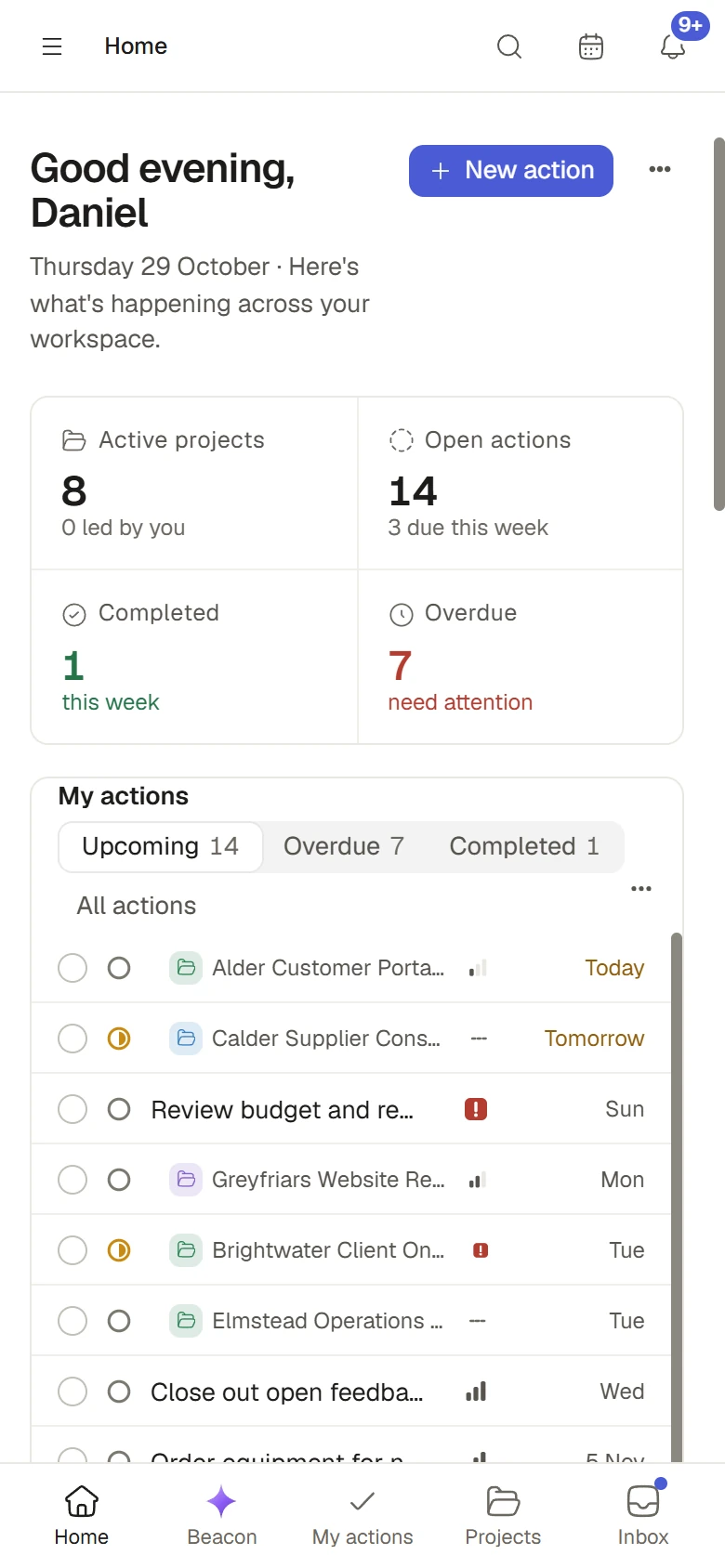
Dashboards built widget by widget. Add, change, move or remove one widget at a time. Editors set a shared dashboard's filter, your own view is yours, and Reset to dashboard takes you back.
Boards from a blank start. A blank board starts with just a Name, with Status, Owner and Due date one tick away, and you add, rename, move and remove sections right in the table.
Roles and Permissions. Fill a Project's roles on its Team tab, and each gives its own access. Permissions start from a built-in, and three powers open every Project.
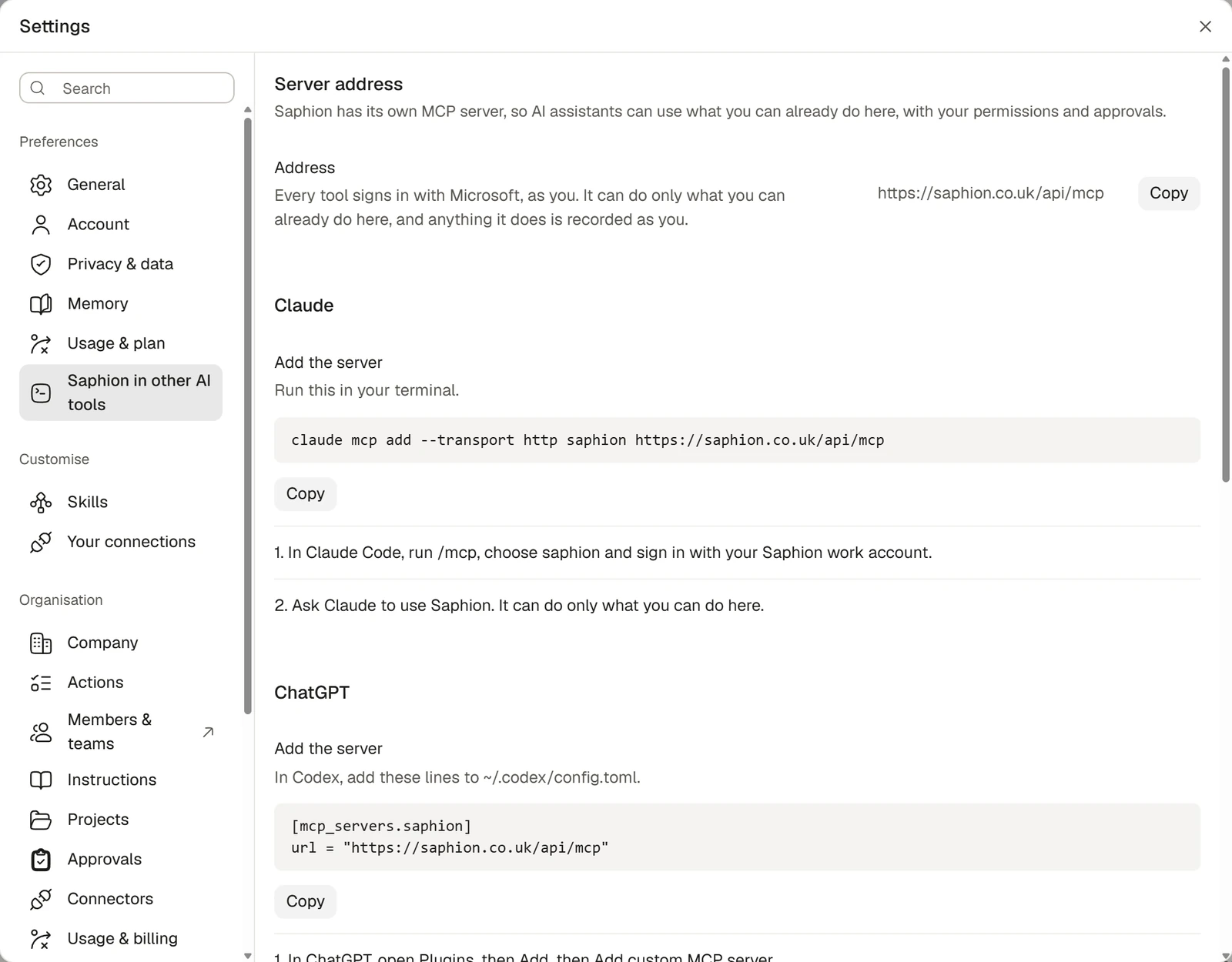
Beacon does more of your work. Beacon and your AI tools read Activity, share with members and Teams after you allow it, manage the Teams you own, read comments across records and upload your files.
Help opens the manual. Help & Support is one menu with Support, your requests, the docs, the changelog, What's new and keyboard shortcuts, and you can search your requests.
Figures you can trust. Home's figures count only Actions you can open, 100% stacks read 0 to 100%, deleting a field reaches the widgets that use it, and older chats keep their cards.