

Most teams have a way they like things done. The weekly status report has a shape. A supplier enquiry gets the same checks before anyone replies. A site visit write-up always ends with the open questions. Until now, getting that from an assistant meant explaining it again every time.
Write it once
A skill is a set of instructions Beacon follows when you run it. Give it a name, say what it is for, and describe step by step what Beacon should do and how the result should look. Saphion turns the name into a slash command, so “Weekly status report” becomes /weekly-status-report.
If you would rather talk it through, choose Create with Beacon. Beacon asks what the job is, drafts the skill, tries it with you on a real example and shows it on a card. Nothing is saved until you read it and press Save.
Run it whenever you need it
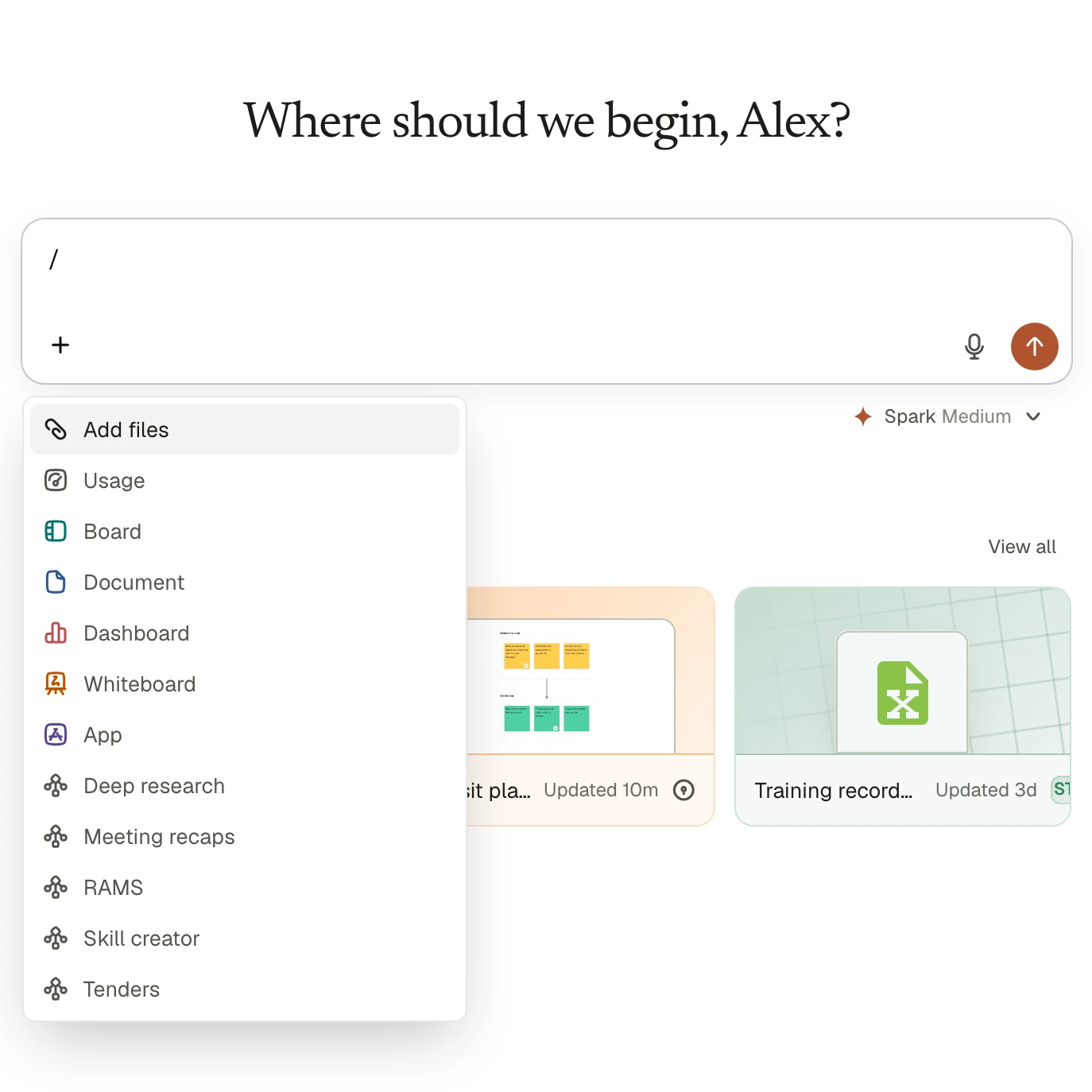
In the Beacon box, type /, pick the skill and add the details. Beacon follows your procedure for this request. A skill only adds a procedure: everything Beacon does while following it still goes through your own permissions.
Share the good ones
A skill you write is yours alone until you share it. Admins choose which skills the whole Organisation is offered, so the best way of doing a job becomes everyone’s way.